
Table of Contents
WordPress.org and WordPress.com share a name, but they offer different ways to build a website. If you’re deciding between them, the better choice depends on your budget, technical confidence, available time and appetite for control.
Neither platform builds an online business for you. A useful blog also needs reader research, helpful content and promotion. Getting the website running matters, but it’s only the starting point.
WordPress.org vs WordPress.com: the key differences at a glance
Key takeaways:
- WordPress.org provides free, open-source software. You arrange hosting separately and take more responsibility for the site.
- WordPress.com is a hosted service. Its features and support depend on the plan you choose.
- Both can run a personal blog or business website. The differences lie in setup, ongoing costs and how much you can change.

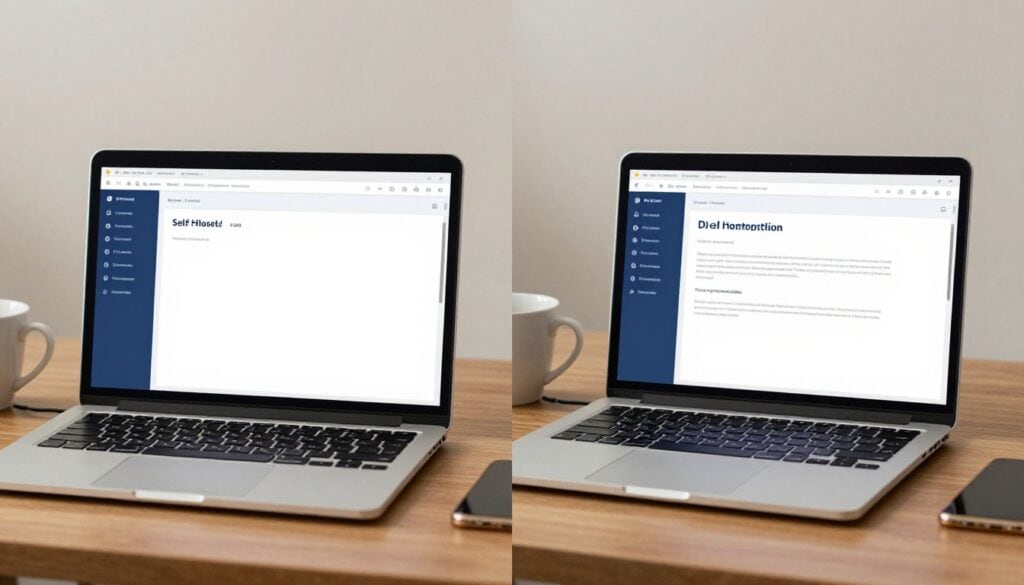
The WordPress.com comparison of the two options sets out the central distinction: WordPress.com includes managed hosting, whilst WordPress.org users find their own host.
Who handles hosting, updates and site maintenance?
With WordPress.org, you choose a hosting company and install WordPress there. Many hosts offer one-click installation, but you’re still responsible for choosing a suitable service and understanding what it covers. You may need to handle updates, backups, security checks and problems with plugins yourself, or pay for help.
WordPress.com handles the hosting side. That removes several setup decisions, although you still need to maintain your content, review your site’s settings and check that features continue to meet your needs. Support varies by plan, so don’t assume every question will receive the same level of assistance.
How much control do you get over themes, plugins and monetisation?
WordPress.org generally gives you wider choice over themes, plugins, code and hosting. That freedom helps if you want an unusual layout, a particular email tool or more control over how you earn money.
WordPress.com offers design and business features too, but availability depends on its current plans and policies. Check the exact plan before assuming you can install a chosen plugin or use a particular monetisation method.
On either platform, affiliate links should fit the reader’s needs. Disclose your relationship clearly and follow the current rules that apply to your promotions.
Which is better: WordPress.org or WordPress.com, and why?
For a blog you expect to develop into a flexible business, WordPress.org often makes more sense. For a straightforward site that you want to launch with fewer hosting decisions, WordPress.com may be the better fit. Neither answer is automatic.
Think about the work you’ll be happy to do next year, not only the easiest way to publish your first post. A site that saves an hour during setup may become frustrating if it lacks a feature you later need. Equally, extra flexibility has little value if managing it takes time away from writing.
Choose WordPress.org if you want room to grow
Choosing your own host gives you more say over performance, storage and the services you buy. You can select themes and plugins to suit your site rather than building around a preset package. WordPress’s learning guide to .org and .com also explains how access and customisation differ.
That choice brings jobs with it. You’ll compare hosts, monitor renewals and decide who fixes a problem when your site breaks. You don’t need to buy a premium theme or a collection of plugins on day one. Start with a clear need, then pay for a tool when it solves that need.
Choose WordPress.com if you want a simpler starting point
WordPress.com is attractive when arranging separate hosting feels like one decision too many. You can concentrate on the site itself whilst the service handles the hosting.
Before committing, check its current plan details. Look at plugin access, design options, support, storage and the ways you intend to earn income. A plan that suits a personal diary might be a poor fit for an affiliate blog with an email list. A simpler start is useful only if the site can do what you need it to do.
Compare the real costs, effort and future flexibility
The WordPress.org software is free, but running a self-hosted site usually isn’t. Hosting and a domain name have ongoing costs. Depending on your choices, you might also pay for a theme, plugins, backups or technical support.
WordPress.com combines hosting with its service, but your costs depend on the plan and any extras you choose. Compare the full cost of the site you intend to run, not a headline starting price. Review renewal terms as well as introductory offers. You can check the current WordPress.com plans and features before paying; hosting companies publish their own terms separately.
Match your platform to your skills, time and business plans
If you’re starting a personal blog, a hosted setup may be enough. A beginner planning a business can also start there, provided the chosen plan supports the features they expect to use.
For an affiliate blog, check how you’ll publish recommendations, disclose links and build an email list. If you already know you’ll need particular plugins or detailed site changes, WordPress.org may be easier to fit around that plan.
Your experience matters, but it needn’t decide everything. Someone comfortable with software may still prefer managed hosting because their limited hours are better spent talking to readers and writing. Likewise, a newcomer can learn self-hosted WordPress gradually. Choose for your own budget and working habits, not because another blogger uses a particular setup.
Plan for moving your website if your needs change
Moving between services is possible, but it may involve more than exporting posts. You could need to rebuild parts of your design, reconnect email forms, check images and update links. If page addresses change, redirects can help visitors and search engines find the new pages.
Keep backups and make a note of the tools your site relies on. Before choosing a platform, look at its export options and any limits on what you can take with you. A move is much easier to plan before the site has years of content.
Think beyond the website if you’re building an income
A blog can give your work a lasting home. Social posts often disappear down a feed, whilst a useful article remains available for readers to find later. Still, publishing a post doesn’t guarantee that anyone will see it.
I used to work as a computer programmer, so I expected the technical side of an online business to be the hard part. I learnt that putting up a website was only one task. Finding the right readers and giving them a reason to return took work of its own.
Write for a reader before choosing an offer
Start with the questions your audience asks. A practical guide or an honest comparison gives someone a reason to visit. It also gives you a natural place to mention a relevant product if it genuinely helps.
Affiliate marketing works poorly when a site becomes a collection of links without useful information around them. Explain who an offer suits, what it costs and where it may fall short. If you haven’t used something, don’t write as though you have. Trust grows when readers can judge a recommendation for themselves.
Give interested readers a way to stay in touch
An email list can help people find future posts without relying entirely on a social platform’s feed. Your blog and email service can work together: an article answers a question, whilst a relevant sign-up offer lets interested readers hear from you again.
Keep that invitation honest. Tell people what they’ll receive and protect their information. A small list of readers who value your advice is more useful than a large list gathered through promises you can’t keep.

Start with a small, workable setup
It’s tempting to choose a platform, then buy tools for every possible future task. That adds costs before you know what your blog needs. Begin with a site you can maintain and a publishing routine you can keep.
Get the basics in place first
Choose a domain you can live with, make your site easy to read on a phone and set up essential pages, including contact and privacy information. If you use affiliate links, provide a clear disclosure where readers will encounter your recommendations.
For a self-hosted site, learn how backups work and who is responsible for updates. On WordPress.com, check what the service handles and what remains your job. Test your contact form and email sign-up rather than assuming they’ll work because they appear on the page.
Add design tools only when they help
A plain, readable theme beats a complicated one that makes visitors hunt for the article. If affiliate reviews become a regular part of your blog, you can explore themes designed for affiliate blogs and assess whether their features suit your readers.
Make the same judgement about plugins and paid services. Each one should solve a problem you’ve encountered, such as an awkward layout or a repetitive task. A smaller toolset is easier to learn and easier to keep track of, especially when you’re building a business part-time.
Let early reader feedback guide your next decision
Your first platform choice doesn’t have to settle every question about your future business. Once you’ve published, you’ll have better evidence about what readers want and which features you use.
Publish around one clear audience need
Pick a question you can answer well, then write a post that helps someone make progress. If your site is about earning extra income in retirement, that might mean comparing realistic ways to start an affiliate blog rather than promising quick results.
Share the post where your intended readers already spend time, and listen to what they ask next. That response can guide a follow-up article. It can also tell you whether an email series, a review or a more detailed tutorial would help.
Review the site before paying for more
After a few posts, look at what people read, which questions bring them to the site and where they leave. Check whether the platform makes ordinary tasks easy: editing articles, managing links and updating pages.
If it does, you may not need to change anything. If a missing feature repeatedly gets in your way, compare the cost of upgrading with the effort of moving. A platform should support the work you’re doing, rather than dictate what you can publish.
Choose the platform that fits the work ahead
WordPress.org offers more independence, along with greater responsibility for hosting and maintenance. WordPress.com offers a more managed route, with features and support tied to its plans. Compare current costs and capabilities against the site you want to run.
Then focus on the part neither platform supplies: helpful content shaped by what your readers need. That work matters far more than getting the first technical choice perfect.
Conclusion – Follow Pro Affiliate Bloggers
Having reviewed the evidence several years ago, and followed what other pro-bloggers (like John Thornhill and RyanBiddulph) currently do, I chose WordPress.org and have never regretted that.
I followed the training from John Thornill here.